 Milk Crate
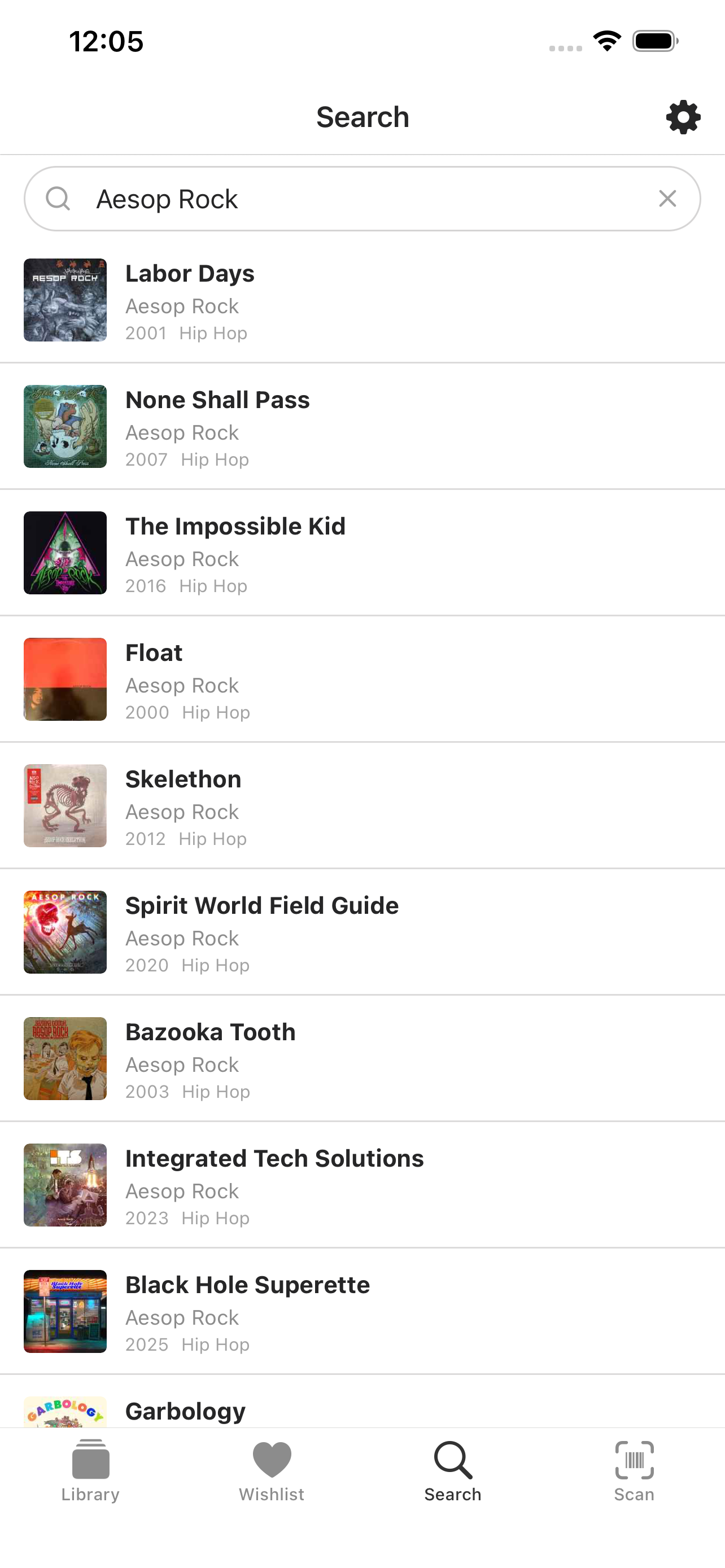
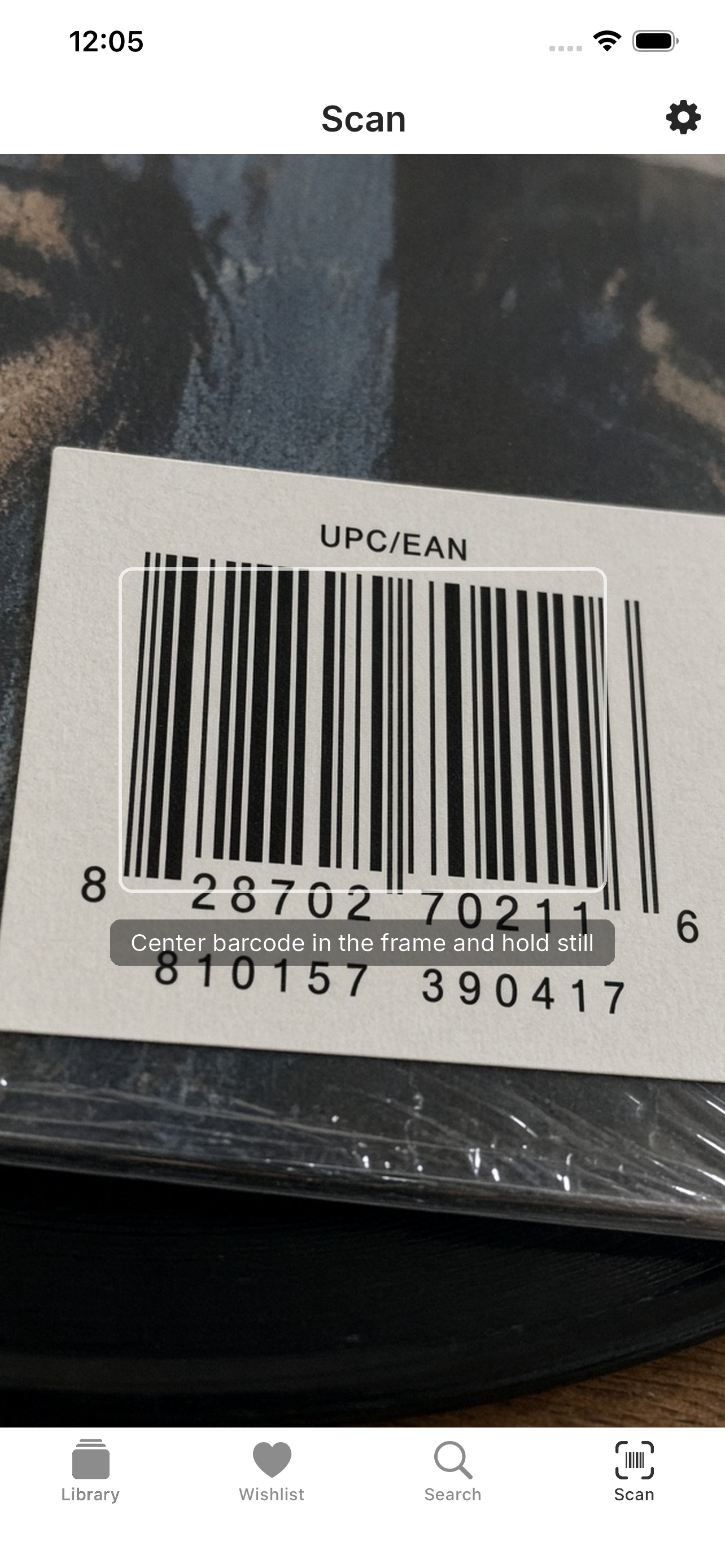
Scan to search
Search by artist or album name, or scan a barcode. Quickly add a new purchase to your library with the barcode.
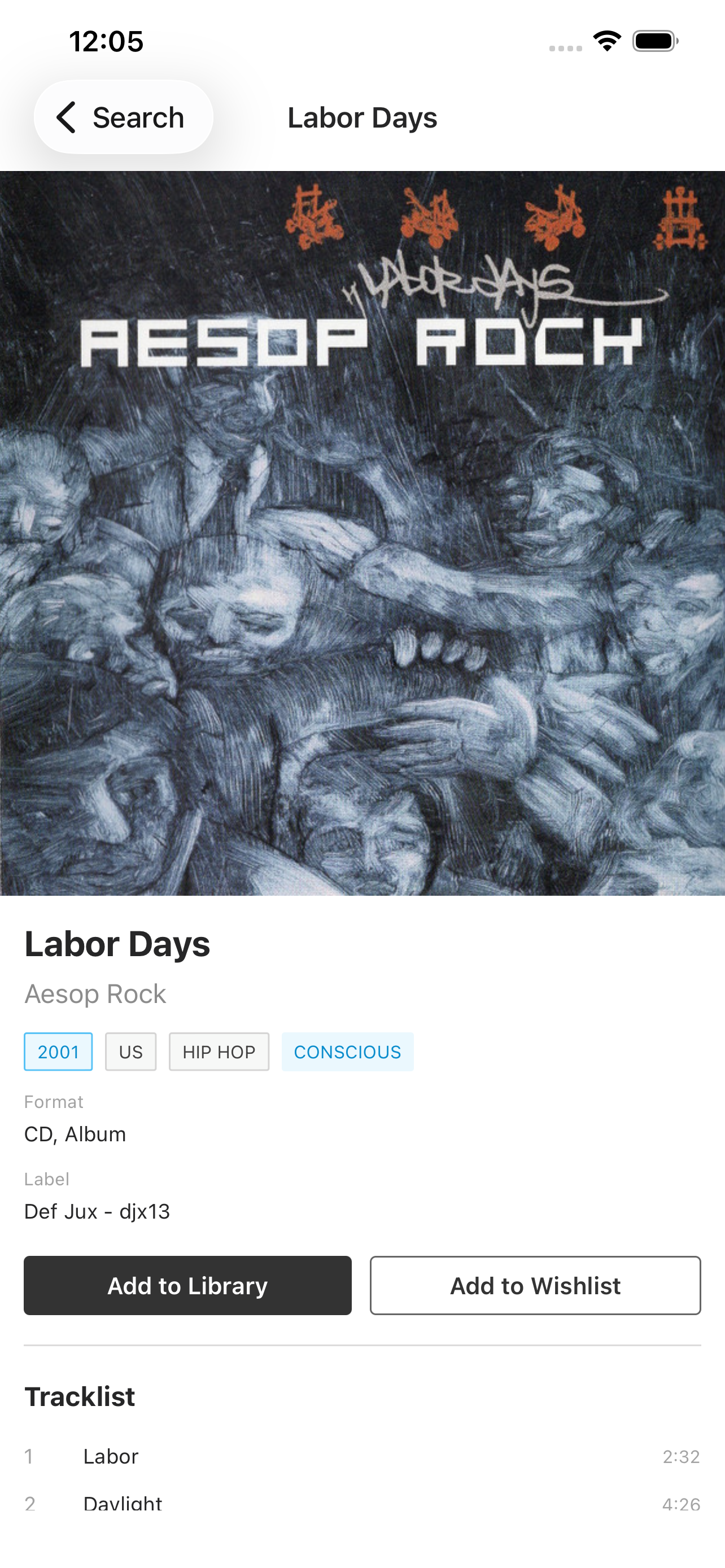
A simple way to manage your collection. Library, wantlist, search, scan. No ads, no marketplace, vinyl only.
Search by artist or album name, or scan a barcode. Quickly add a new purchase to your library with the barcode.
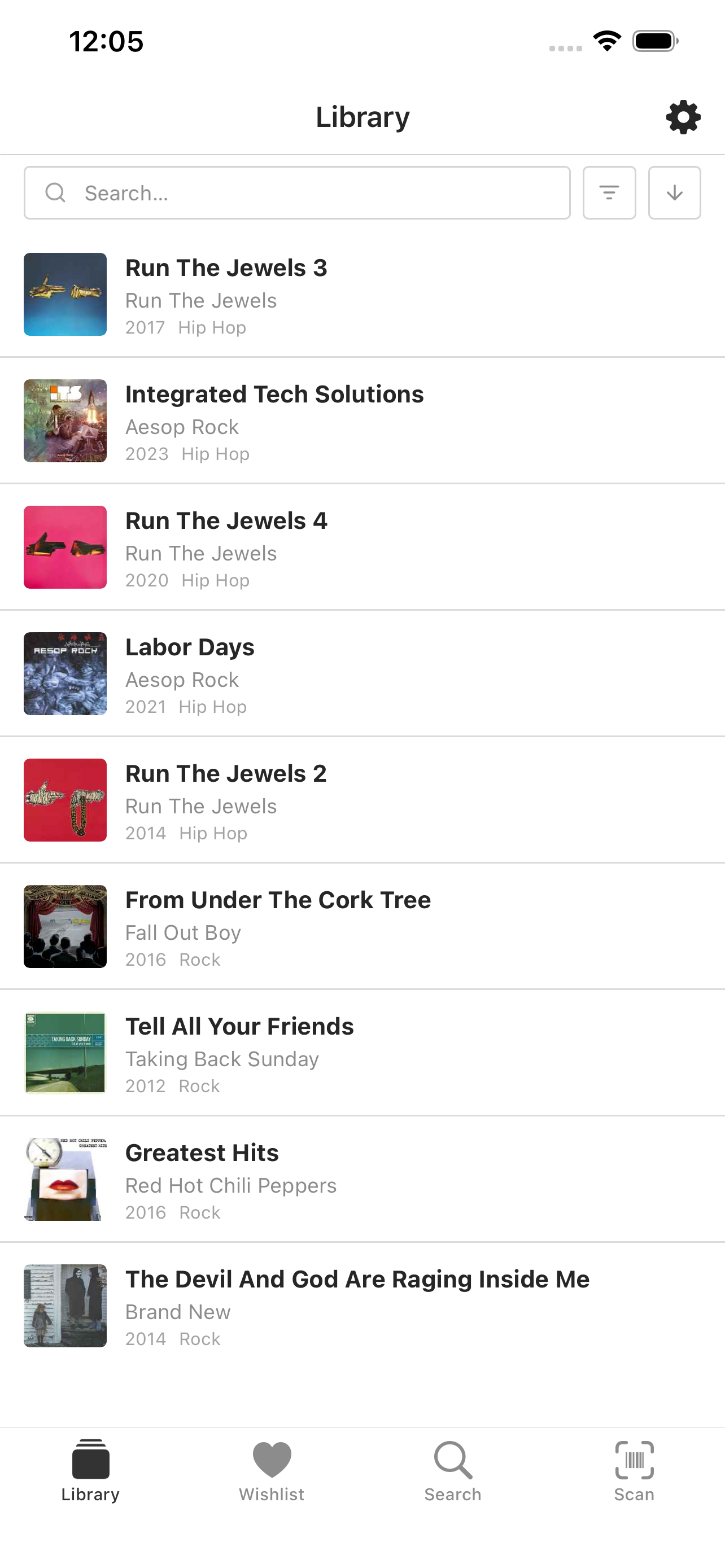
Easily browse and search your library.
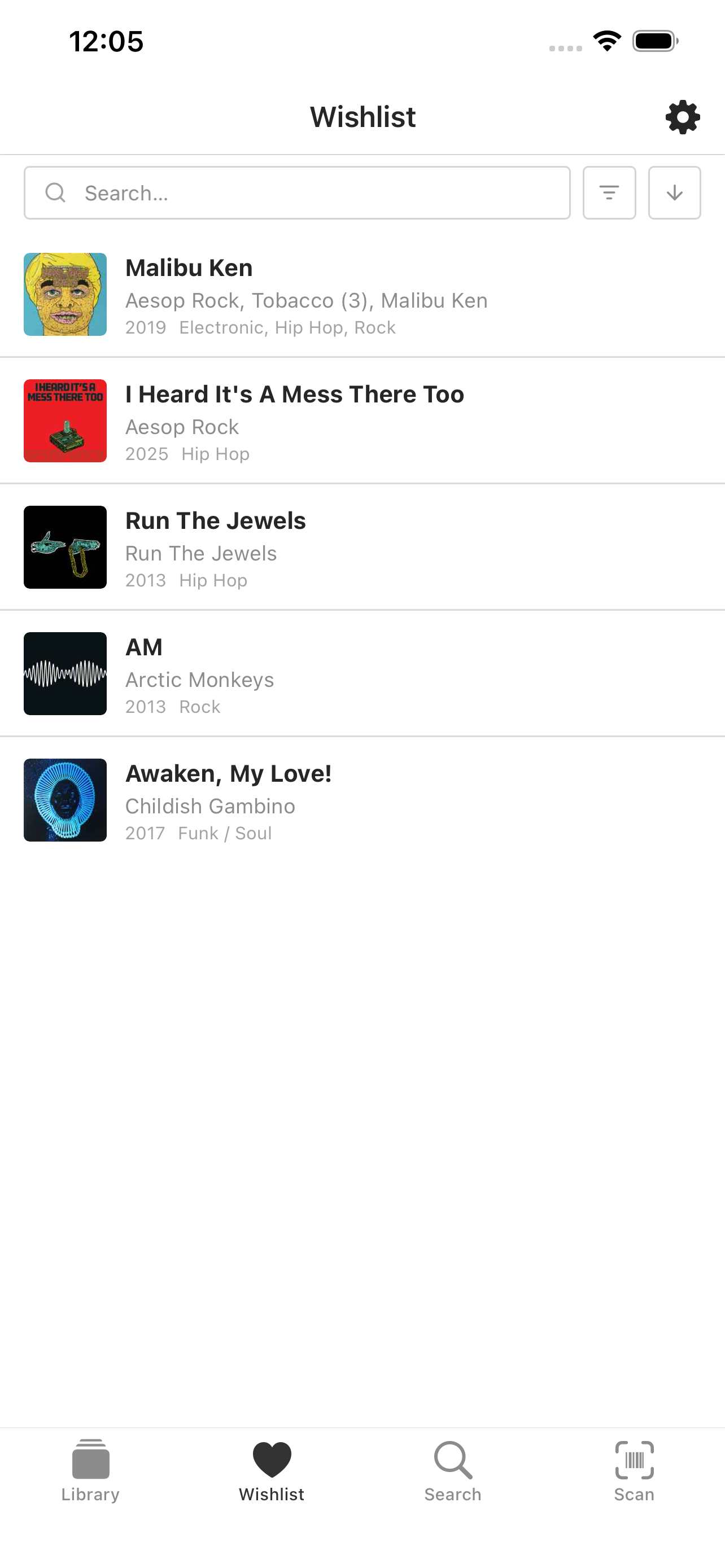
See what you’re hunting before you buy another copy.
Yes, but it’s free. Milk Crate signs you into Discogs for the catalog and your lists. If you don’t have an account yet, create one when you open the app. No second Milk Crate login. Discogs’ terms still apply.
No. You sign in on your phone. There isn’t a website to log into.
So you can scan barcodes. We don’t keep photos, and we don’t send camera images to our servers.
Open iOS Settings, tap your Apple ID, then Subscriptions. You can cancel the yearly plan there.
A session token in the iOS keychain, your Discogs username on the phone, and Apple’s subscription receipt so we can tell you paid. The privacy page has the rest.